


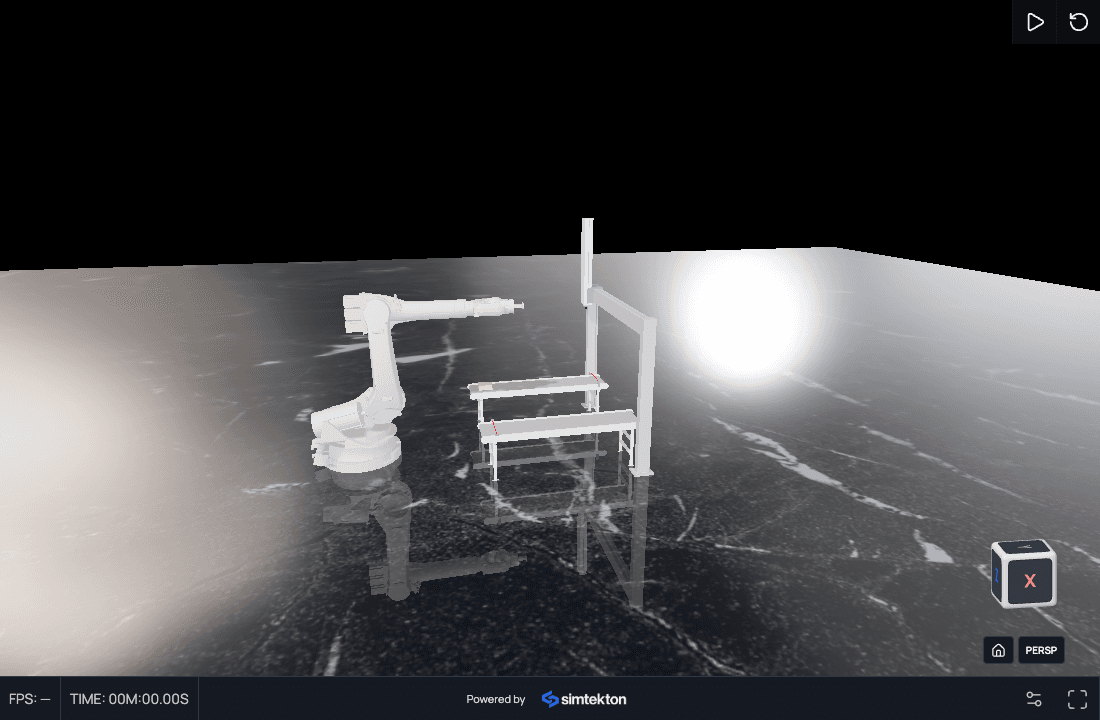
Robot, gantry & conveyors
An industrial robot on a linear gantry, two conveyors, and two sensors in one working cell.

AI-assisted engineering simulation in your browser
Bring your geometry. Configure physics, robot motion, sensors and control logic with AI, then run and share the simulation.
Explore the asset libraryRobot motion
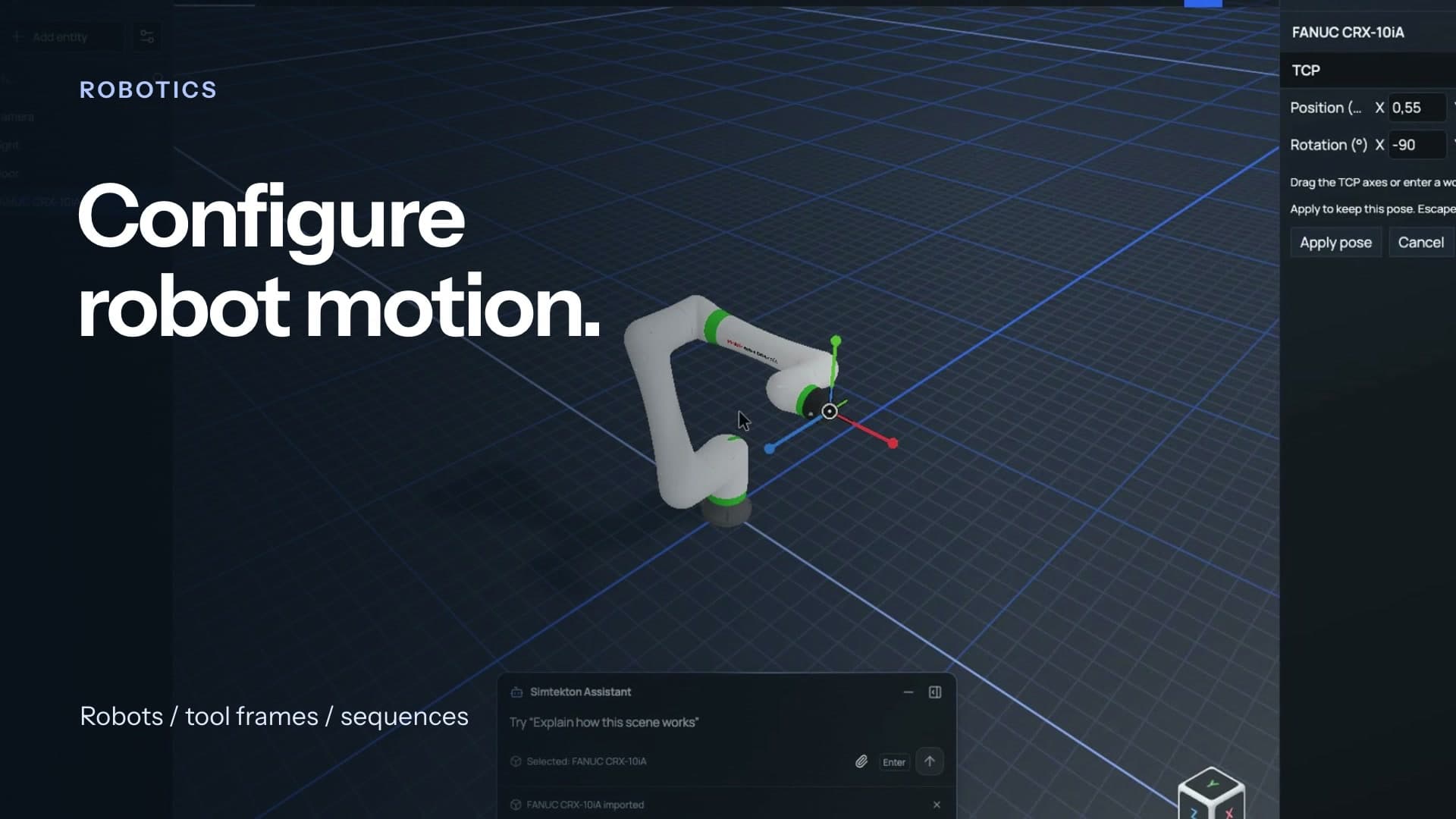
Set up a robot in the editor and explore its motion in the scene.
Conveyors
Run a conveyor and watch a workpiece travel along it.
Physics
See how a workpiece behaves when it reaches the end of the conveyor.
From an engineering task to a simulation you can run and share.
Real simulations
Explore interactive scenes with robots, automation and physics. Open one to see it in action.
Showing 4 simulations
An industrial robot on a linear gantry, two conveyors, and two sensors in one working cell.
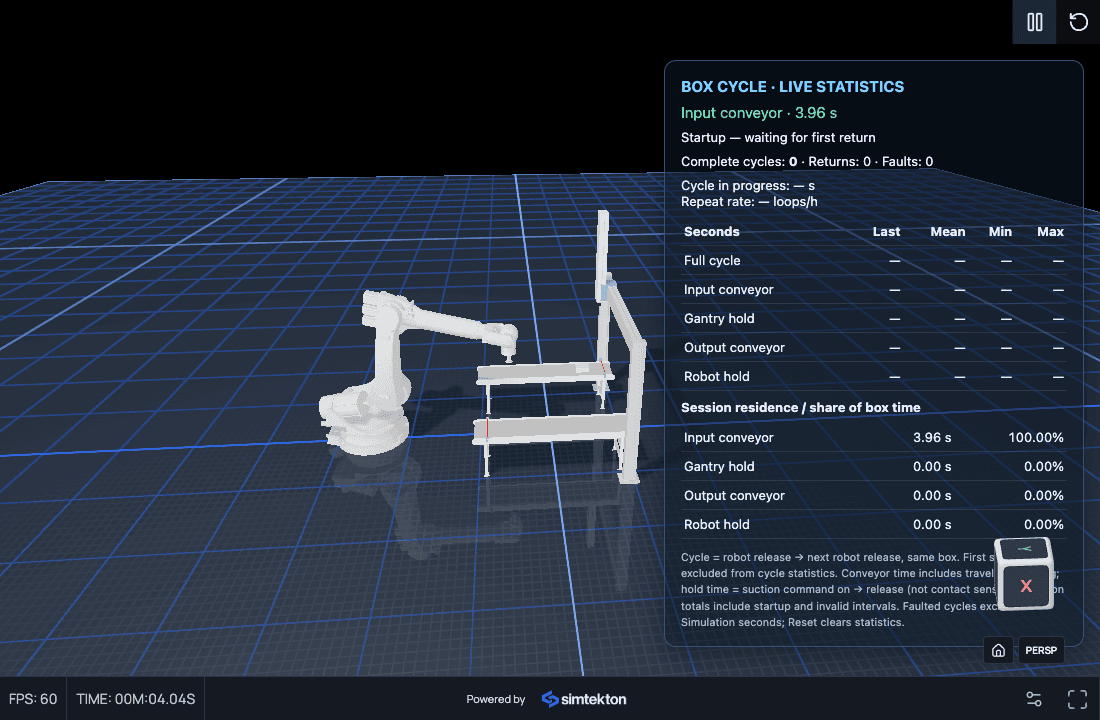
Explore an automation scene with an on-screen statistics interface. Cycle times describe this simulated model.
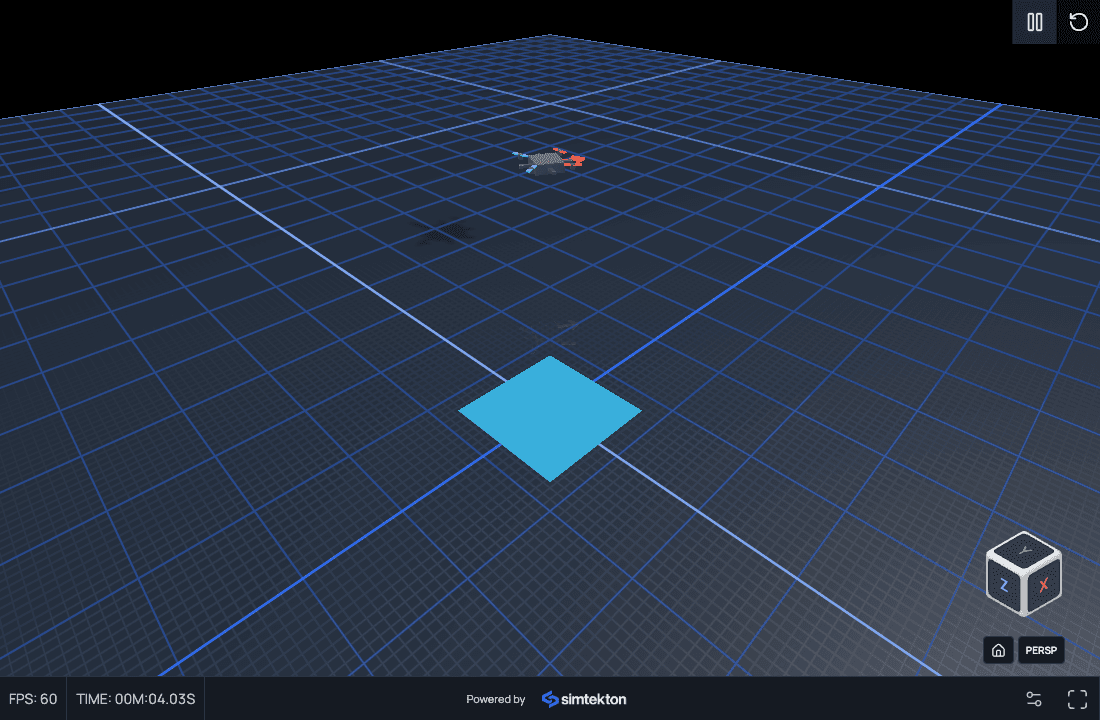
Explore a drone model and its simulated motion in the interactive viewer.
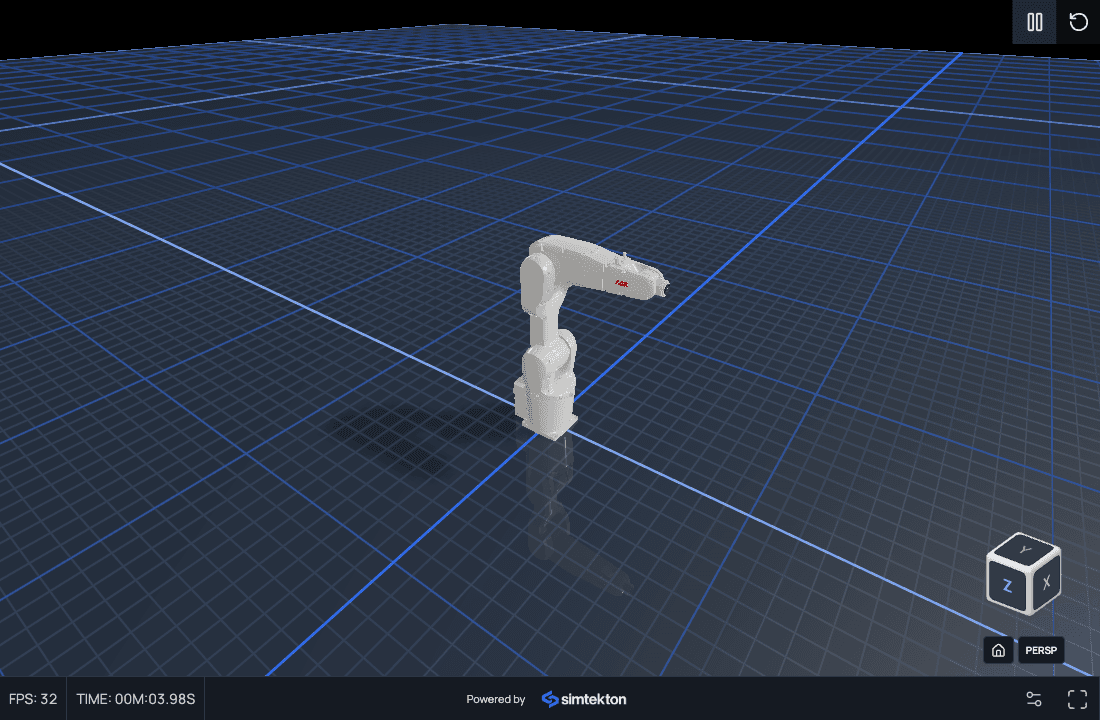
Inspect an industrial robot model in the browser and explore the scene from different viewpoints.
Asset library
Robots and conveyors, ready to configure in your simulation.

Robots

Robots

Conveyors

Conveyors
From idea to confidence
Build a model people can understand, test and improve before the machine is built.
Show clients the sequence in motion and let them explore the cell themselves.
Try robot paths, part flow and logic before equipment arrives.
Change the layout or sequence, run it again and compare the result.
What you can build
Explore how your equipment moves and how parts travel through the process.

Set up a robot and explore its movement in the context of your layout.
Robots · Motion · Joints
Run the model and observe how workpieces travel and interact with equipment.
Conveyors · Workpieces · PhysicsYour workflow
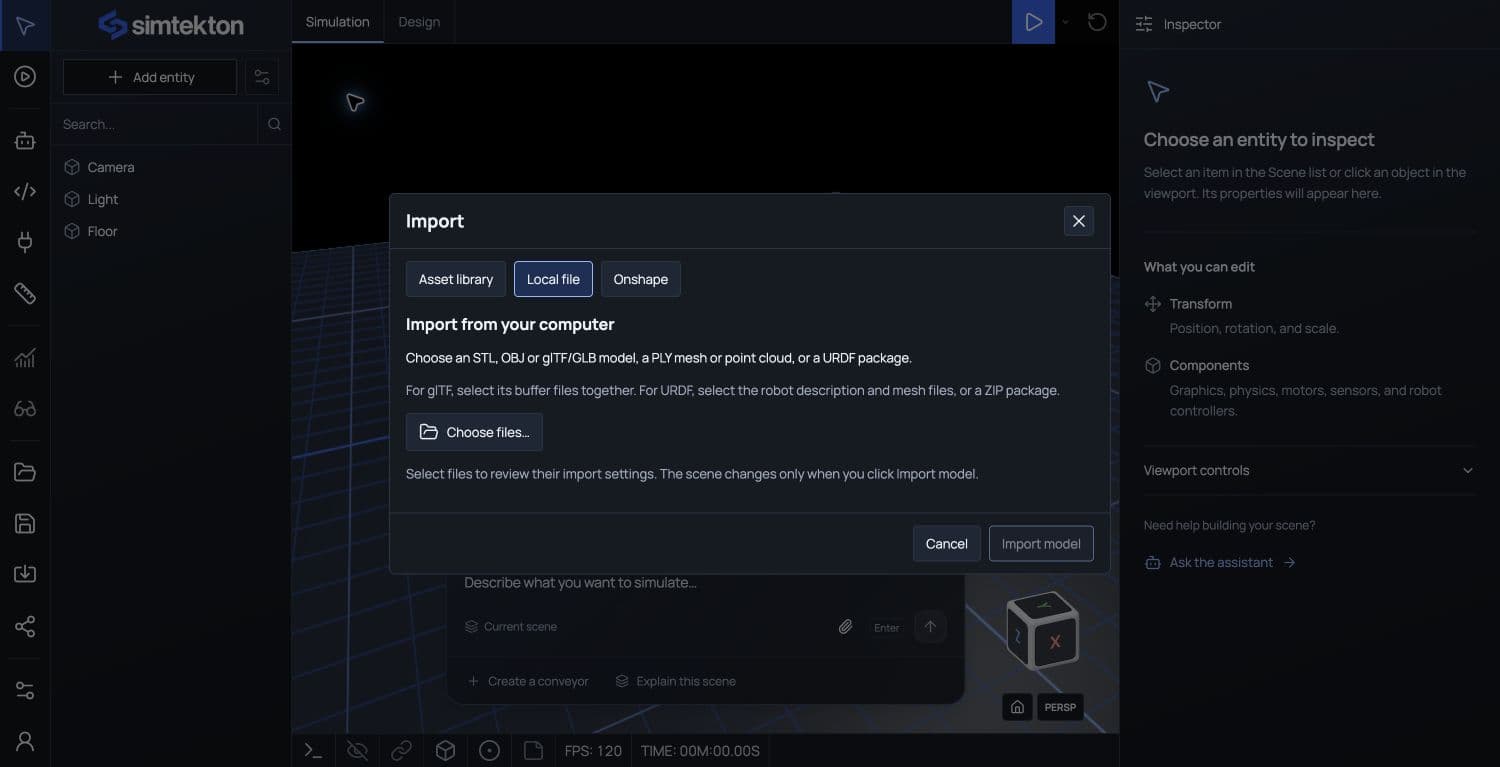
Import a layout or robot model and start with the parts you know.
GLB · glTF · URDF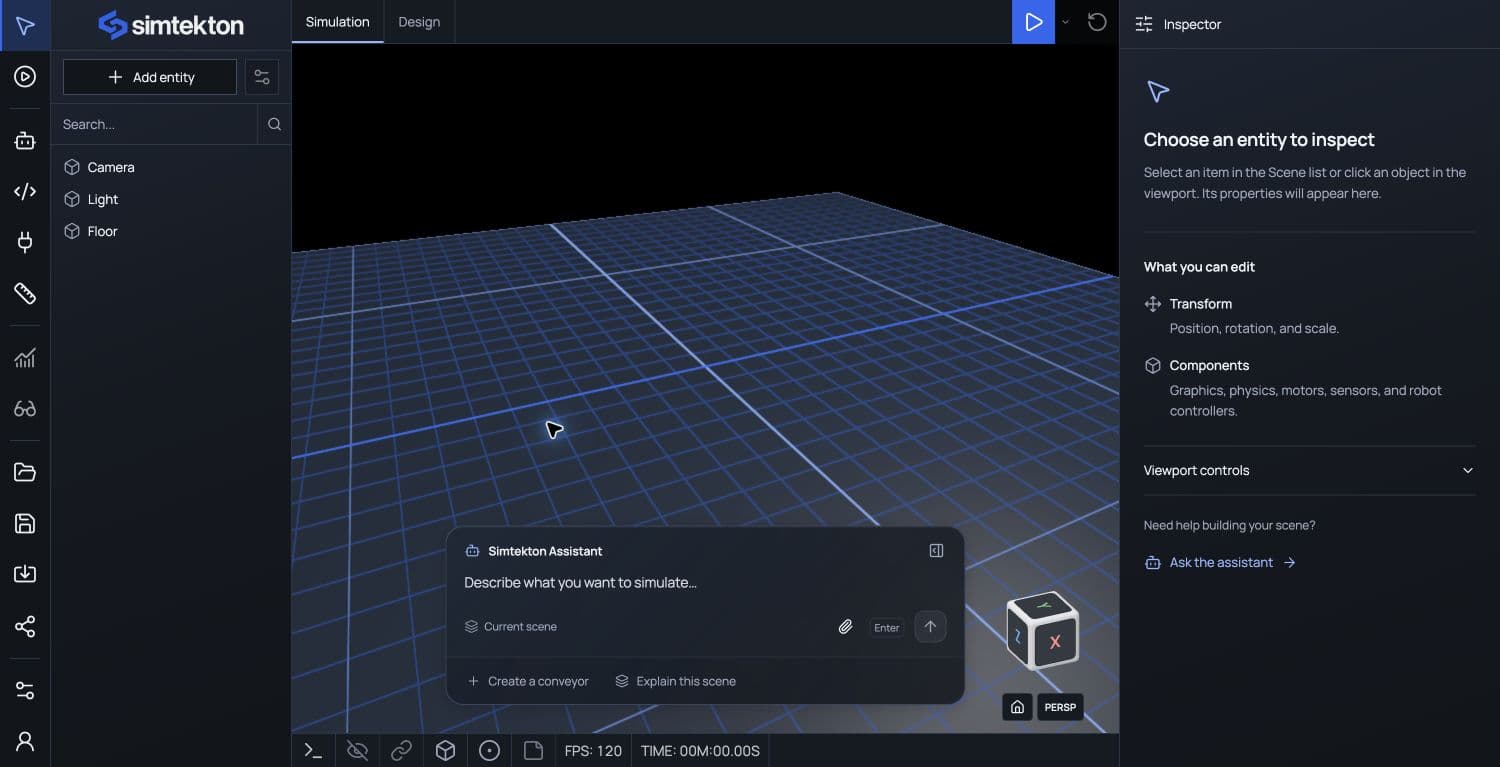
Ask the assistant to help configure the scene and write the behavior. You can inspect and edit it.
AI-assisted · EditableCheck the sequence, refine the idea and share an interactive view with your team or client.
Simulate · Iterate · ShareAn example task
Review the setup and code before you run it.
About Simtekton
Simtekton brings simulation and AI-assisted engineering into your browser, so your team can show how an automation concept works.
From the first proposal to engineering review, explore the motion, test the sequence and share a model everyone can understand.
Explore simulationsStart with GLB or glTF geometry, or a URDF robot description with its companion meshes. Export your CAD assembly to a supported format before importing.
The assistant can configure simulation components and write TypeScript behavior. Review and edit the components and code, then run the model to check the result.
Share an interactive viewer link or embed. Reviewers can explore the model and play the simulation without installing the editor. The examples above show that viewer.
Use the model to explore mechanisms, test sequence logic, and compare concepts. Results depend on your geometry, physical parameters, and control logic; hardware validation and commissioning are still needed.
Start with your geometry and a task.